What Is a Virtual Business Card? The Complete 2026 Guide
Published · Updated · Basics
By Virtual Business Cards Editorial Team
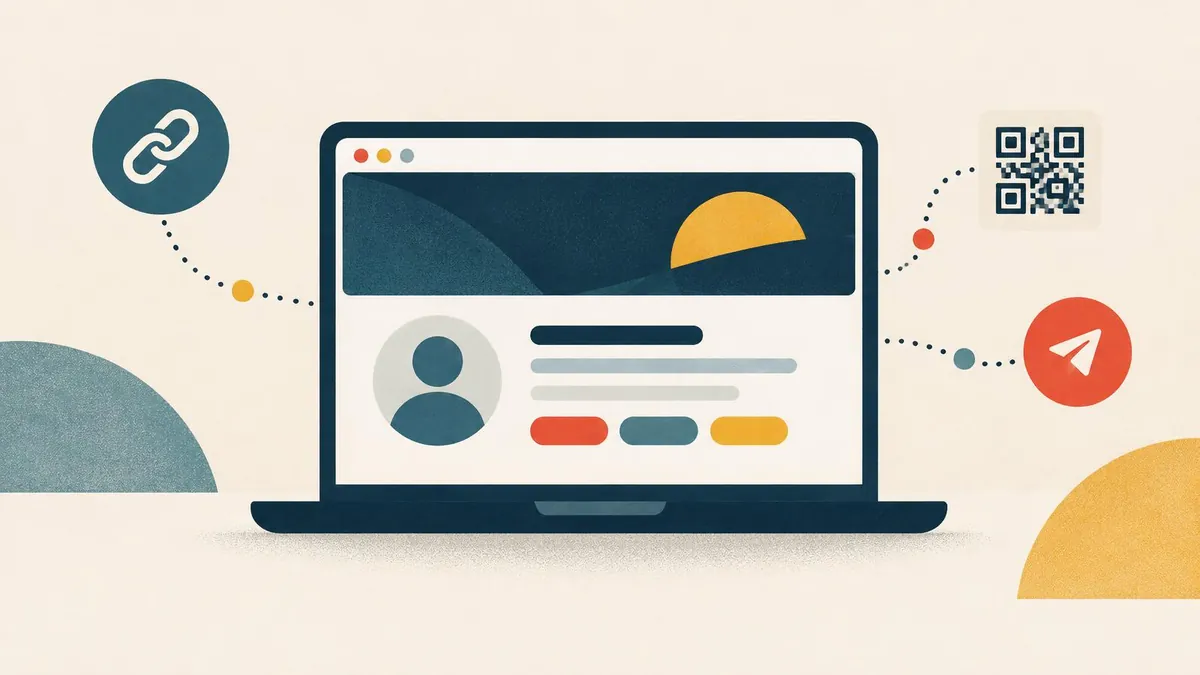
Most introductions now happen on a screen. You email someone, you meet them on a call, or you message them after an event. A virtual business card is built for those moments. This guide explains what it is, how it works and how to decide whether you need one.
The short definition
A virtual business card is a single web page about you. It holds your name, job title, company, phone number, email address and the links that matter to your work. It has a permanent address, so you can share it as a link or as a QR code.
Three things make it useful:
- It has an address. Anything that can carry a link can carry your card: an email, a calendar invite, a chat message, a LinkedIn profile.
- It is editable. You change the profile, and every link and QR code you have already shared shows the new details.
- It opens in a browser. The person you send it to does not install anything or create an account.
Virtual, digital or online: is there a difference?
People use "virtual", "digital" and "online" business card for the same kind of editable web profile. We say "virtual" because this site is about sharing it where you meet people virtually: email signatures, video calls and chat.
How a virtual business card works
Behind the card is a short web address that never changes. You build the page in a dashboard. You then share the address in one of two forms:
- As a link. You paste it into a signature, a message or a social profile. One click opens the page.
- As a QR code. The code holds the same address. Someone points their phone camera at it and the page opens.
Because the code only holds the address, it is called a dynamic QR code. The details live on the page, not inside the code. That is why you can edit the page later without printing or sending anything new.
What the other person sees
When someone opens your card, they see your current profile. From there they can usually:
- call or email you with one click;
- open your website, LinkedIn or portfolio;
- book a meeting, if you add a booking link;
- save you to their phone contacts with a "save contact" button.
The save button downloads a vCard file. That is the standard contact format that iPhone, Android and desktop address books understand. Our guide to vCard and .vcf files explains the format in detail.
Paper card, vCard attachment or virtual business card?
These three get confused, so here is how they compare.
| Paper business card | vCard attachment (.vcf) | Virtual business card | |
|---|---|---|---|
| What it is | A printed card | A contact file sent by email or message | A web page with a permanent link |
| How you share it | Hand it over in person | Attach it to an email or message | Link, QR code, signature, chat |
| Works on a video call | No | Only if you send it afterwards | Yes, as a QR code on your background or a link in the chat |
| Can you change it later? | No, you reprint | No, every copy stays as it was | Yes, the same link shows the new details |
| Saves to the recipient's phone | Only if they type it in | Yes, opens in the contacts app | Yes, through a save-contact button |
| Can hold links and documents | No | Only basic fields | Yes |
| Needs an app to open | No | No | No |
The vCard file is not a rival. A good virtual business card offers one as a button. The difference is that the web page stays current, while a file is a snapshot.
Where people use it
The card earns its keep in places where paper cannot go.
Email signatures
Every email you send can carry your card. A short text link such as "Save my contact details" works in every email client. Our step-by-step guide to email signatures, Teams and Zoom covers Gmail, Outlook and Apple Mail.
Video calls
On Teams, Zoom or Google Meet, a QR code on your background lets people save your details without typing. Pasting the link in the meeting chat is the backup. Our guide to putting a QR code in your Zoom or Teams background covers size and placement.
Chat and messaging
After a call, people move to WhatsApp, Slack, Teams chat or iMessage. Sending your link there means the conversation and your details sit side by side.
Your card link fits in your LinkedIn Contact info and Featured section. Our LinkedIn guide shows each step.
What to put on your card
Start with what a new contact needs. Then stop.
The essentials:- your name, as you want it saved;
- your job title and company;
- the phone number you actually answer;
- your work email;
- your website.
- a booking link, if people book time with you;
- a WhatsApp link, if clients prefer chat;
- LinkedIn and one or two other professional profiles;
- a short line about what you do;
- a portfolio, brochure or price list as a document.
- every social account you have ever opened;
- personal profiles you would not show a client;
- your home address;
- long biography text.
A short profile with one clear action is easier to use than a crowded one. Decide what you want people to do first, such as save your contact or book a call, and put it at the top.
Privacy: what to think about
Treat anything on a public profile as public. Anyone with your link can see it, and links get forwarded.
- Publish only professional details. Use a work number if you do not want your personal number shared.
- Choose which fields show. Good tools let you hide fields without deleting them.
- Protect private material. If something should not be public, use password protection or leave it off.
- Be clear if you collect details. If your card has a form that asks visitors for their details, say why and point to a privacy notice.
Data protection law differs by country. Our privacy policy explains how we handle data as the provider, but it is not advice about your own obligations.
Does the other person need an app?
No. A well-built card opens in the normal browser on any phone or computer. You need an account to edit your card. The people you share it with should never be asked to install anything. If a provider requires that, choose another one.
How QR sharing works
A phone camera reads the QR code and offers to open the address. On most recent iPhones and Android phones, the built-in camera does this without a separate scanner app.
A few things decide whether a code scans:
- Contrast. Dark code on a light background works best.
- Space. Leave a clear margin around the code.
- Size. On a screen or slide, bigger is better.
- A backup. Show a short link next to the code for anyone who cannot scan.
Can teams use virtual business cards?
Yes. Each person needs their own profile, because each person has their own name, number and email. We do not sell a separate team plan. If you need cards for several people, contact us about ordering one profile per person. Each profile can use the same template so the team looks consistent.
What to check before you choose a provider
Use this checklist. Each point is something you can test before you rely on the card.
- [ ] The link stays the same after edits. Change a detail and reopen an old link.
- [ ] The QR code is dynamic. It should hold your link, not your details.
- [ ] The save-contact button works on iPhone and Android.
- [ ] No app is needed by the person opening your card.
- [ ] You control which fields are public.
- [ ] You can download your QR code as an image for slides and backgrounds.
- [ ] The price is clear, including whether it is one payment or a subscription.
- [ ] You know what happens to visitor data, if the card collects any.
What our virtual business card includes
Our cards are sold as two one-time plans. Brand Presence covers your profile: details, social links, documents, a blog section, products, testimonials, a gallery, templates, password protection, control over which sections show and in what order, contact display and analytics. Business Add-ons includes all of that, plus CRM, a card scanner, review requests, bookings, inquiries, contact leads, subscribers, forms and export.
You can compare them on our virtual business card for email signatures, video calls and chat. Set-up is not instant: after payment, your order is recorded for profile set-up.
Common mistakes to avoid
- Using a QR code that stores your details directly. It goes out of date as soon as anything changes. Use a dynamic code that holds your link.
- Sharing different links in different places. Keep one link in your signature, on LinkedIn and on your video background, so one edit updates all of them.
- Crowding the page. Ten buttons make it hard to find the one that matters. Lead with a single main action.
- Forgetting to test. Open your card on someone else's phone and use the save-contact button before you share it widely.
- Leaving old details live. When you change role or number, update the card the same day. That is the whole point of having one.
- Sending a file instead of the link. A vCard attachment is a snapshot; the link stays current.
Is a virtual business card worth it?
It is worth it if:
- you meet most people by email, video call or chat;
- your details change, for example a new role or number;
- you need more than a name and phone number, such as a booking link or portfolio;
- you want one version of your details instead of several.
It is less useful if you rarely meet new people, or if a printed card already does everything you need.
Related guides
- How to use a virtual business card in your email signature, Teams and Zoom — our main setup guide.
- Using a QR code in your Zoom or Teams background
- How to add your virtual business card to LinkedIn
- vCard and .vcf files explained
- How to create a free virtual business card
More guides by topic
Remote work and teams- Which virtual business card plan fits the way you work remotely?
- A virtual business card for remote sales teams
- A virtual business card for remote freelancers and consultants
- Virtual business cards for hybrid and remote teams
- A virtual business card for virtual events and webinars
- A virtual business card for video job interviews
- Add a virtual business card to your Gmail signature
- Add a virtual business card to your Outlook signature
- Add a virtual business card to your Apple Mail signature
- Virtual business card vs email signature
- Share a virtual business card on WhatsApp, Slack and chat
- Can a virtual business card go in Apple Wallet or Google Wallet?
Frequently Asked Questions
Will an old link still work after I edit my card?
Yes. Editing changes what the page shows, not its address. Every link and QR code you have shared opens the current version.
Can someone save my details to their phone?
Yes. A save-contact button downloads a standard vCard file, which the phone's contacts app opens with your details filled in.
Can I share it without a QR code?
Yes. Send the link by email, text, WhatsApp or any chat app, or put it in your email signature and social profiles.
Is a virtual business card the same as a virtual payment card?
No. A virtual business card shares contact details. A virtual payment card is a card number used to pay online. They only share a name.
Can my team have matching cards?
Each person needs their own profile. There is no separate team plan, but you can contact us about ordering one profile per person, and each profile can use the same template.
Does a virtual business card include a wallet pass?
Not ours. You share it by link and QR code, and people save it as a phone contact. Some other providers offer wallet passes; check their own site.
Do I need to print anything?
No. A virtual business card is shared on screens. If you want something on paper later, you can add your QR code to it, but nothing has to be printed.