Virtual Meishi Business Card vs Email Signature: Which Do You Need?
Published · Updated · Email signatures
By Virtual Meishi Business Cards Editorial Team
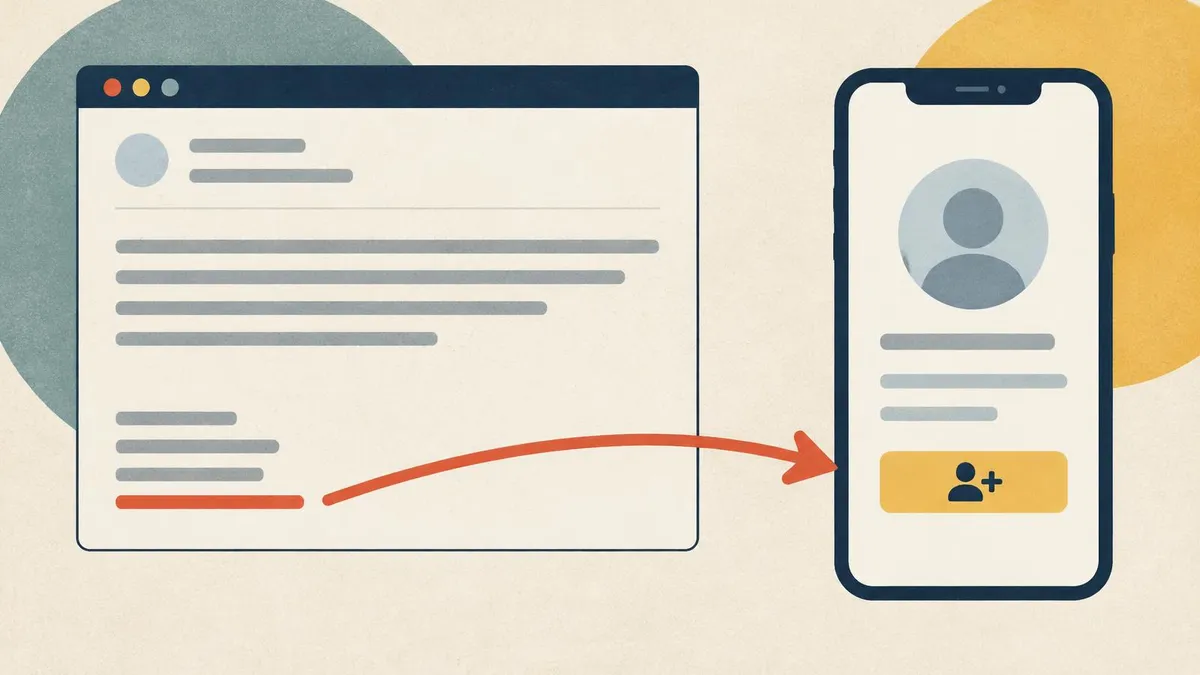
When you work remotely, email carries most of your introductions. Your signature sits at the bottom of every message. So why add a virtual meishi business card as well? Because the two do different jobs. This guide explains what each does well, where signatures fall short, and how to combine them in a way that stays tidy.
Key points
- A signature identifies you in every email. It is always there and needs no click.
- Signatures struggle with blocked images, long reply chains, phones and saving contacts.
- A virtual meishi business card adds a save-contact button, always-current details, documents and analytics.
- The best setup is both: a short signature, one profile link and an optional small QR code.
- Check before you send: one link, plain text, tested on a phone.
What a signature does well
An email signature is simple and reliable. It does several things very well:
- It is always there. Every email you send carries it, with no extra effort.
- It needs no click. The reader sees your name, role and company straight away.
- It sets the tone. A clean signature looks professional.
- It works in every email client. Plain text signatures show everywhere.
- It carries the legal basics. Many organisations add company details or a disclaimer.
For identifying who sent an email, a signature is hard to beat.
Where signatures fail
Signatures have limits, and remote work makes them more obvious.
Images are often blocked
Some email clients hide images until the reader allows them. A logo, a headshot or a QR code in your signature may appear as an empty box or an attachment. Text always shows.
Long signatures get ignored
A signature with five phone numbers, eight social icons and a banner is hard to read. Readers skim past it. Some people treat a long signature as noise and stop looking at it altogether.
Reply chains bury it
In a long thread, your signature appears over and over, or gets cut off by the email client. The one the reader needs may be twenty messages down.
Phones shrink it
On a phone, a wide signature can wrap badly or need scrolling sideways. Small text becomes hard to read.
There is no "save contact"
This is the big one. A signature is text in an email. To save you as a contact, the reader has to copy each detail by hand. Most will not bother.
It goes out of date
When your number or title changes, every email you have already sent still shows the old details. You cannot update a signature after the email has gone.
What a virtual meishi business card adds
A virtual meishi business card is a web page with your details, at a permanent link. Adding that link to your signature fills the gaps.
- A save-contact button. The reader clicks once and downloads a vCard, which adds you to their contacts with every field filled in. Our guide to vCard files explains how that works.
- Always current. You edit the profile, and every link you have ever sent shows the new details. Old emails stop being a problem.
- Room for more. Documents, a portfolio, testimonials and a booking link fit on the profile without cluttering your signature.
- Analytics. You can see how your profile is used, depending on what your dashboard reports.
- Works beyond email. The same link goes on LinkedIn, in chat and on your video background.
Side by side
| Criterion | Email signature only | Virtual meishi business card only | Both together |
|---|---|---|---|
| Identifies you in every email | Yes | No, the link has to be sent | Yes |
| Save to contacts in one click | No | Yes | Yes |
| Stays current after sending | No | Yes | Yes |
| Works when images are blocked | Yes, if plain text | Yes, as a text link | Yes |
| Holds documents, portfolio and booking | No | Yes | Yes |
| Shows how it is used | No | Yes, with analytics | Yes |
| Works outside email (chat, video, LinkedIn) | No | Yes | Yes |
Neither one alone covers everything. Together, they do.
How to use both
Here is the setup we recommend.
1. Keep the signature short
Four or five lines is enough:
- your name;
- your job title and company;
- one line, such as what you help people with;
- your profile link, written as text, such as "Save my contact details";
- your phone number, if people need it straight away.
2. Add one profile link
Use one link, not several. Your profile can link to your website, LinkedIn and anything else. Write it as clear text, so it shows even when images are blocked and screen readers can read it.
3. Add an optional small QR code
A small QR code can help when an email is printed or shown on a shared screen. Keep it small and never make it the only route. The text link does the real work.
4. Use the same link everywhere
Put the same profile link on LinkedIn, in chat and on your video background. When something changes, you edit one profile.
Our email signature, Teams and Zoom guide gives the overview. For client-by-client steps, see how to add your card to a Gmail signature and to an Outlook signature.
A sample short signature
Here is the kind of signature that works well with a profile link. Replace the placeholders with your own details.
Your Name
Job Title, Company Name
I help [type of client] with [what you do]
Save my contact details: [your profile link]
[Your work phone number]
Five lines. No images needed. The profile link holds everything else.
Signature mistakes that hide your card
- Burying the link among icons. One text link is easier to spot than a row of logos.
- Linking an image only. If images are blocked, the link disappears with it.
- Using a bare web address with no label. "Save my contact details" tells people why to click.
- Different links on different devices. Your phone signature may still show an old link. Check every device.
- Adding a banner. Promotional banners make signatures long and are often blocked.
Accessibility: why text beats images
Many signatures rely on images: a logo, social icons, a QR code, sometimes the whole signature as one picture. That causes problems:
- Screen readers cannot read an image unless it has a text description, and many signature images have none.
- Blocked images leave gaps, so a reader may see nothing at all.
- Images do not resize well on small phone screens.
- People cannot copy text from an image, such as a phone number.
A plain text signature with a labelled profile link avoids all four. It works for everyone, on every device, with images on or off. Keep any QR code as a small extra, never as the only way to reach you.
When a signature alone is enough
A virtual meishi business card is not always necessary. A signature alone may be enough if:
- you only email colleagues inside your organisation;
- your contacts already have your details saved;
- you rarely meet new people;
- your details almost never change.
If any of those change, for example you start meeting clients or move into a new role, add the profile link then.
A pre-send checklist
Before you rely on your new signature, check these points:
- [ ] One link only, written as text.
- [ ] No more than five lines, apart from any required legal text.
- [ ] Signature set for replies and forwards, not only new emails.
- [ ] Tested on a phone: send yourself an email and click the link.
- [ ] Save-contact button works: open your profile and save yourself.
- [ ] Same signature on every device: desktop, web and phone apps often keep separate settings.
- [ ] Profile details current: title, number and booking link.
- [ ] Images optional: the signature still makes sense with images turned off.
Which product fits
If you mainly share by email, a link-first profile is the right fit. Our Virtual Meishi Business Card Link gives you one permanent address for email signatures, calendar invites, proposals and LinkedIn. It is paid once, and set-up is not instant: after payment, your order is recorded for profile set-up.
New to the idea? Read what a virtual meishi business card is first.
Frequently Asked Questions
Is a virtual meishi business card the same as an email signature?
No. A signature is text at the bottom of an email. A virtual meishi business card is a web page with your details at a permanent link, which you can add to your signature.
Do I still need an email signature if I have a virtual meishi business card?
Yes. The signature identifies you in every email. The card link in it adds the save-contact button and current details.
Should I put a QR code in my email signature?
Only as a small extra. Readers are already on a screen, so a text link is quicker. Some email clients also block images.
Why do people not save my email signature details?
Because they have to copy each detail by hand. A profile link with a save-contact button lets them save you in one click.
What happens to old emails when my details change?
The signature in old emails stays as it was. The profile link in them shows your current details.
How long should an email signature be?
Four or five lines is plenty: name, role and company, one line about what you do, your profile link and, if needed, a phone number.