How to Add a Business Card to Apple Wallet and Google Wallet
| Updated | How-To | Virtual Business Cards
A precise 2026 walkthrough for both platforms, plus an honest account of what a wallet business card cannot do.
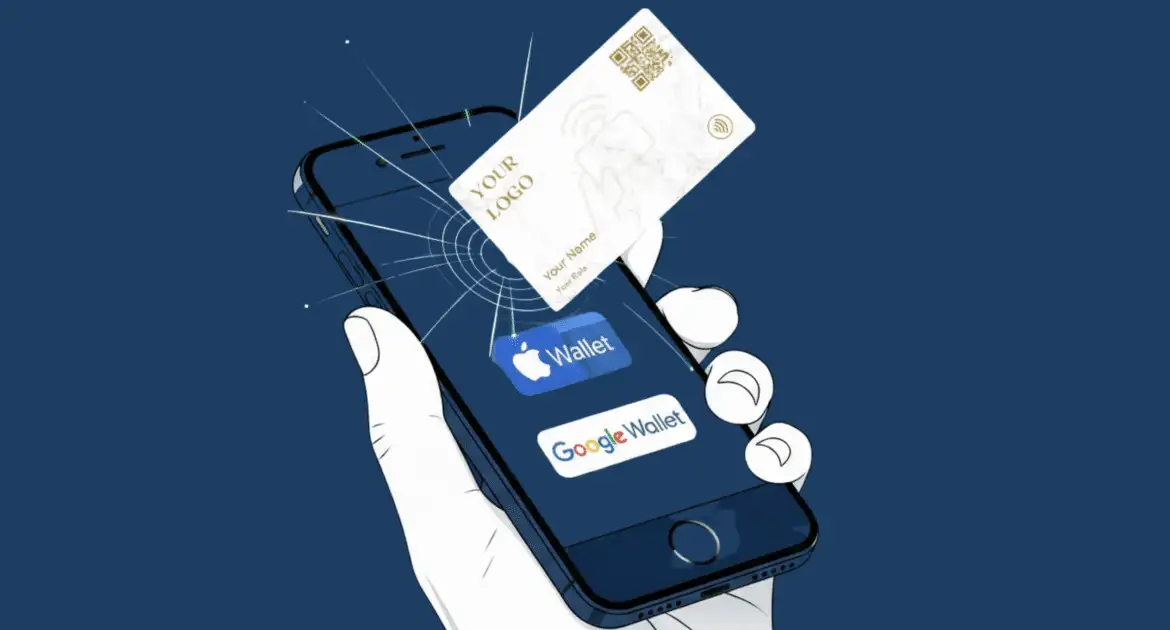
A wallet business card is a digital pass — an Apple PassKit .pkpass file or a Google Wallet generic pass object — saved in your phone's Wallet app. You add one by linkping an "Add to Apple Wallet" or "Add to Google Wallet" button supplied by a card provider. It holds a QR code and links, not a tappable contact.
Key takeaways
- Apple's format is a signed
.pkpassbundle defined by PassKit; Google's equivalent is a pass object generated from a pass class through the Google Wallet API. - Signing your own Apple pass requires Apple Developer Program memberprovide, priced at 99 USD per memberprovide year.
- A wallet pass cannot beam your details to another phone. Apple restricts the
qrkey to approved cases using VAS-certified readers; Google Smart Share targets certified terminals. Neither is phone-to-phone. - Passes update after issue only if the issuer built the plumbing: Apple needs a
webServiceURL, anauthenticationTokenand APNs pushes; Google uses a PATCH on the pass object. - Sharing is at the issuer's discretion. Apple's
sharingProhibitedkey switches it off, and the share button is simply absent when sharing was not enabled.
What a wallet pass actually is
The two platforms look alike to a user and are built differently underneath, which explains nearly every limitation below.
Apple: a signed .pkpass bundle
An Apple pass is a zip archive with a .pkpass extension containing pass.json, images, a manifest of hashes and a cryptographic signature. Apple's Wallet Passes reference requires formatVersion, passTypeIdentifier, serialNumber, teamIdentifier, organizationName and description, plus exactly one style key: boardingPass, coupon, eventTicket, generic or storeCard. A business card is a generic pass.
Optional keys do the interesting work: barcodes carries the QR code, webServiceURL and authenticationToken enable updates, expirationDate and voided retire the pass, and sharingProhibited stops the holder passing it on. The bundle must be signed with a Pass Type ID certificate from an Apple Developer account, which is why you cannot hand-write a pass file and email it to yourself.
Google: a pass class and a pass object
Google splits the job in two. Its terminology documentation defines a pass class as the template holding properties shared across passes, and a pass object as "an individual pass that is issued to a user to save in their Google Wallet". Both live server-side, created through the Wallet API by an approved issuer account — and new issuer accounts sit in demo mode with no publishing access until Google grants it.
There is also a consumer route: Google Wallet's "Everything else" creator, announced at I/O 2024, lets a user photograph a card and have Wallet build a pass from it, with business cards among the supported categories. It launched United States only, and we could not verify its current market list from Google's documentation.
What a wallet business card can and cannot do
| Capability | Apple Wallet | Google Wallet |
|---|---|---|
| Show a scannable QR code | Yes, via barcodes | Yes, via the object's barcode field |
| Store name, title, company, links | Yes, as header and back fields | Yes, as text and links modules |
| Send your contact card by QR to another phone | No | No |
| Update after issue | Yes, if the issuer runs a pass web service | Yes, via API PATCH |
| Be shared onward by the holder | Only if the issuer enables it | Varies by pass type |
| Expire | Yes, expirationDate or voided | Yes, with reminder notifications |
The QR row catches people out. Passcreator's technical write-up matches Apple's guidance: the qr key needs an entitlement granted only after Apple approves the use case, plus an QR certificate, and it talks to VAS-certified readers. Smart Share is easier to obtain but still points at certified terminals.
So a digital business card and a wallet pass are complements, not rivals: the direct link supports remote sharing, while the pass keeps your QR code a double-click from any lock screen. Our QR versus QR comparison covers that trade-off.
How to add a business card to Apple Wallet
The provider route, which is what almost everyone should use. It assumes iOS 17 or later; the flow is unchanged in iOS 26, and iOS 27 was in public beta at the time of writing with a September 2026 release expected.
- Complete your card profile first. The pass renders from that profile, so anything missing there is missing on the pass.
- Open the provider's dashboard on the iPhone itself, in Safari. Downloading on a desktop leaves you with a
.pkpassfile to move across. - Choose “Add to Apple Wallet”. iOS intercepts the download and opens the Wallet preview sheet instead of saving a file.
- Check the preview. Front fields carry name and title; the back, reached via the three dots, holds phone, email and profile URL.
- Choose “Add” in the top right. The pass lands in Wallet immediately.
- Drag it to the top of the stack so it is first when you double-click the side button.
- Scan-test the QR code with a second phone. It should open your live profile.
To share in person, double-click the side button (Face ID) or Home button (Touch ID), authenticate, pick the pass and hold the screen up to be scanned. Apple's documentation confirms passes sync automatically to a paired Apple Watch.
How to add a business card to Google Wallet
Android varies more by manufacturer than iOS does, so step 2 is the one most likely to differ on your handset.
- Install or update Google Wallet and sign in with the account the pass should belong to.
- Open the provider's card page in Chrome. Some Android skins hand the link to a browser that cannot complete the JWT handoff.
- Choose “Add to Google Wallet”. The button posts a signed JWT to Google, which creates the pass object against the issuer's class.
- Confirm the save prompt. The preview shows the issuer name — that is your provider, not you.
- Open Wallet and find the pass, usually under "Everything else". Share it for the QR code and links.
- Favourite it if your build offers the option, so it sits above payment cards.
- Scan-test it as on iOS.
With no provider button, the "Everything else" creator is a fallback where available — but it produces a static snapshot with no link to your live profile, so a later job title change never reaches it.
Updating a pass after it has been issued
Apple's Wallet Developer Guide sets out a four-step cycle. The device registers with the issuer's web service after install, handing over a device library identifier and an APNs push token. When data changes the issuer sends a deliberately empty push — Apple notes pushes are coalesced and not guaranteed, so no payload is trusted. The device then asks which serial numbers changed and fetches each updated pass.
Two consequences follow. A pass without a webServiceURL can never be updated; it is frozen at the moment you added it. And Apple warns the authenticationToken must not change later, because devices holding older copies would fail to authenticate. Google's model is simpler: the issuer PATCHes the pass object, which its generic pass FAQ recommends over replacing the record.
In both cases the issuer pushes the change. A QR code pointing at a hosted virtual business card is more robust: edit the profile and every scan of the unchanged code shows new details, with no push or re-issue. Our guide to what a virtual business card is explains that separation of code and content.
Building your own pass instead
For a single card, rarely worth it. Apple wants Developer Program memberprovide at 99 USD per year, a Pass Type ID, a signing certificate, a build pipeline producing the manifest and signature, and — for updates — a web service, APNs credentials and three tables (devices, passes, registrations). Google wants an issuer account, a service account key for JWT signing, and publishing access. Both suit organisations issuing hundreds of cards. To test the idea first, an online business card gives you a profile and QR code with no certificate work.
The limitations people actually hit
Region availability. Google lists Wallet across 190-plus territories but states plainly that "some passes or cards in Google Wallet are only available in certain countries, on certain devices, or select partners that support it". Expiry. Apple passes carryexpirationDate and voided; Google generic passes fire an expiry reminder before the interval ends. Some providers set an expiry to force re-issue when a subscription lapses.
Personal photos. Google's generic pass FAQ notes personal images are prohibited on data privacy grounds, so a headshot may not clear review.
Battery. Your recipient installs nothing, but you need a charged phone with a working screen — which a passive digital card does not.
Frequently Asked Questions
Can I add a business card to Apple Wallet without an app?
Yes. Your provider generates the signed .pkpass server-side and serves it from a web page; you share "Add to Apple Wallet" in Safari and iOS does the rest. Neither you nor the person scanning your QR code installs anything. Hand-building an unsigned pass without a developer account, though, will not work.
Does an Apple Wallet business card work by QR?
No. Apple restricts the pass qr key to approved use cases with VAS-certified readers, and even then it communicates with terminals rather than other phones. A wallet business card shares by displaying a QR code. For genuine link-and-QR sharing you need a digital business card, which writes a URL any modern phone reads.
How do I update my details on a wallet pass?
If your provider built pass updates, edit your profile and the change is pushed. If not, the pass is frozen and you must delete and re-add it. Either way a QR code pointing at a hosted profile updates instantly, because the code itself never changes — only the page behind it does.
Is Google Wallet available in my country?
Google lists Wallet in over 190 territories but says individual pass types can be limited by country, device or partner. The app and generic passes are widely supported. The consumer "Everything else" creator launched in the United States first, and its current market list is not something we could verify.
Why can't I see a share button on my wallet pass?
Because the issuer disabled it. Apple's sharingProhibited key blocks AirDrop and Messages sharing, and Apple's support page confirms the button is absent when sharing was not enabled. Ask your provider — though in practice, showing the QR code to be scanned is quicker than sharing the pass file.
Where a wallet pass fits
Treat the pass as one delivery channel for a live profile, not as the card itself. The profile is the asset; the pass, the QR code and the profile link are three ways of pointing at it.
That is how our cards work: one editable profile, a dynamic QR code and an profile link resolving to the same place, no app needed by the recipient. Browse all our card options, or read the cost case in are digital business cards worth it first.