A Virtual Business Card for Video Job Interviews
Published · Updated · Remote work & teams
By Virtual Business Cards Editorial Team
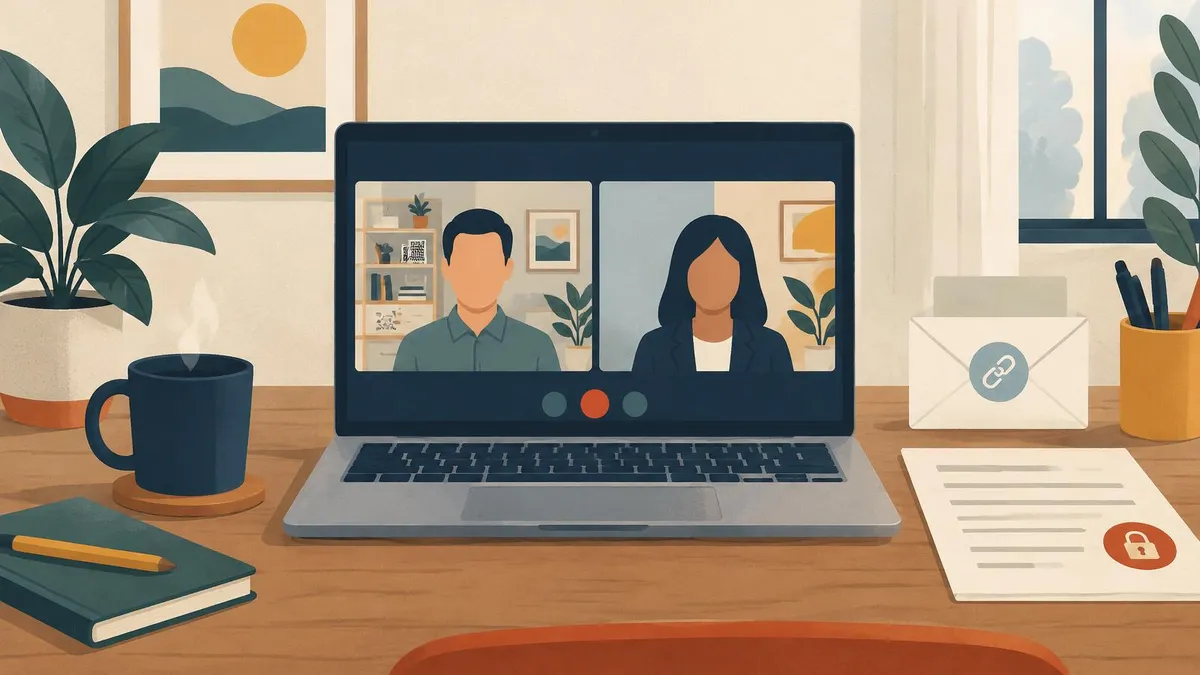
More and more interviews happen on video, especially first rounds. That changes how you share your details. There is no handshake, no printed CV passed across a table and no card left behind. A virtual business card can fill that gap for job seekers, and help recruiters present themselves consistently. This guide covers both sides.
For the setup steps in email, Teams and Zoom, see our pillar guide to email signatures and video calls.
Key points
- Job seekers: include your role, portfolio documents and LinkedIn. Add a CV only if you are comfortable. Never include your home address.
- Share the link in the interview chat only if it fits, and always in your thank-you email.
- A background QR in an interview is optional. If you use one, keep it subtle.
- Recruiters: a candidate-facing profile with a booking link keeps details consistent across the team.
- Privacy: protect your CV with a password and know the privacy law where you live.
What to show: job seeker vs recruiter
| What to show | Job seeker | Recruiter or hiring manager |
|---|---|---|
| Name and title | Your target role or current title | Your role and company |
| Contact details | A personal email and a number you answer | Work email and work number |
| Yes | Yes | |
| Documents | Portfolio or work samples; CV only if comfortable | Role descriptions or a candidate guide you are allowed to share |
| Testimonials | Only real references you have permission to quote | Not usually needed |
| Booking link | Rarely needed | Yes, with Business Add-ons Bookings |
| Home address | Never | Never; use the office or leave it off |
| Password protection | For your CV or private samples | For internal-only material |
For job seekers
What to include
Your profile should make it easy for an interviewer to remember you and reach you.
- Your name and target role, such as "Product designer" or "Finance analyst".
- A one-line summary of what you are good at.
- A personal email you check, and a phone number you answer.
- LinkedIn, so interviewers can see your history. Our guide to adding your virtual business card to LinkedIn shows how to link the two both ways.
- Portfolio documents or a gallery of work, if your field uses them.
- Real references or testimonials, only with the person's permission.
A CV download, only if you are comfortable
You can add your CV as a document. Think about who will see it. Anyone with your link could open it, and links get forwarded. If you add a CV:
- remove your home address and date of birth;
- use a version without personal details you would not share with a stranger;
- consider password protection, and send the password only to the interviewer.
Never include your home address
There is no need for an address on a job-seeking profile. Your town or region is enough, if location matters for the role.
Sharing in the interview chat and the thank-you email
The interview chat
Many video interviews have a chat panel. Whether to use it depends on the moment.
- If the interviewer asks for a link to your portfolio or work, paste your profile link.
- If you mention a piece of work, you can offer: "I can drop a link in the chat if that helps."
- Do not paste it unprompted at the start. An interview is a conversation, not a sales call.
The thank-you email
Always include your profile link in your thank-you email. Send it within a day:
- thank the interviewer for their time;
- mention one thing from the conversation;
- add your profile link, for example: "My portfolio and contact details are here."
Keep the link in your email signature too, so every message in the process carries it.
The background QR in an interview: optional and subtle
A QR code on your background is common in sales calls. In an interview, it can feel like too much. If you want one:
- keep it small and discreet, for example on a framed picture or a shelf in your background image;
- make sure it is not distracting and does not compete with your face;
- never point it out unless asked.
Many people prefer a plain, tidy background for interviews and rely on the chat and the thank-you email. That is a perfectly good choice.
A short thank-you email
Here is a simple structure for a thank-you email after a video interview. Replace the placeholders with your own words.
Thank you for taking the time to speak with me today about the [role] position. I enjoyed hearing about [one thing from the conversation]. My portfolio and contact details are here: [your profile link]. Please let me know if you need anything else from me.
Keep it short, send it within a day, and keep your profile link in your signature too.
Mistakes job seekers make
- A profile that does not match the CV. Job titles and dates should agree everywhere.
- Too much personal detail, such as a home address or date of birth.
- Out-of-date work samples. Swap in recent work before you apply.
- A busy QR background that distracts from you.
- No profile link in the thank-you email, the moment interviewers are most likely to look.
For recruiters and hiring managers
Recruiters meet many candidates on video. A virtual business card helps candidates remember who they spoke to and how to get back in touch.
A candidate-facing profile
Set up a profile written for candidates, not clients:
- your name, role and company;
- a short line about the roles you recruit for;
- a candidate guide or role description you are allowed to share;
- your work email and number.
A booking link with Business Add-ons
With Business Add-ons, Bookings lets candidates choose a time for the next conversation from your profile. That saves a round of emails for every candidate. Contact leads and enquiry forms let candidates send their details or questions in one place.
Consistent details across the team
If several people in your team interview candidates, use the same template, colours and section order on every profile. Candidates then get the same experience whoever they speak to. Our guide to virtual business cards for hybrid teams has a rollout checklist. We do not sell a team admin plan; contact us to order one profile per person.
Privacy
Interviews involve personal information on both sides. A few rules help.
- Password protection for your CV. Use Password Protection for your CV or private work samples, and share the password only with the people interviewing you.
- Visibility & Order. Hide sections you do not want public, such as a document you only send to some employers.
- Recruiters handling candidate details. If your profile collects candidates' details through forms or contact leads, your organisation needs a lawful basis and a privacy notice. Ask whoever handles data protection.
- The law where you live. Check the rules for your country:
Details you publish are covered by the GDPR and the Data Protection Act 2018; the regulator is the Data Protection Commission.
This is general information, not legal advice. Our privacy policy explains how we handle data as the provider.
Choosing a profile
Our virtual business card for email signatures, video calls and chat works for job seekers and recruiters alike: one editable profile with a permanent link and QR code. It is paid once, and set-up is not instant: after payment, your order is recorded for profile set-up. Order well before your interviews.
Frequently Asked Questions
Should I use a virtual business card for job interviews?
It helps, especially for video interviews. Share it in your thank-you email so interviewers can find your portfolio and details easily.
Should I put my CV on my profile?
Only if you are comfortable. Remove personal details such as your address, and consider password protection.
Is a QR code on my background too much for an interview?
It can be. If you use one, keep it small and discreet. Many people prefer a plain background and share the link in the thank-you email.
When should I share my link during an interview?
When the interviewer asks for a link, or when you offer to share a piece of work. Avoid pasting it unprompted at the start.
How can recruiters use a virtual business card?
With a candidate-facing profile, a booking link on Business Add-ons and the same template across the team.
Should I include my home address?
No. Your town or region is enough, if location matters.